
Technical SEO
- Technical SEO is the process of optimizing a website’s technical elements to help search engines crawl, index, and rank pages more effectively. Unlike on-page SEO, which focuses on content and keywords, technical SEO improves the backend structure and performance of a website. It ensures that search engines like Google can easily access and understand your site.
- Important parts of technical SEO include website speed, mobile-friendliness, secure HTTPS connections, XML sitemaps, structured data, crawlability, and fixing broken links or errors. A technically optimized website provides a better user experience, which can improve rankings and increase organic traffic.
- Search engines prioritize websites that load quickly, work properly on all devices, and have a clear structure. If a website has slow loading pages, duplicate content, or crawl issues, search engines may struggle to index it correctly. This can reduce visibility in search results.
- Technical SEO also supports other SEO efforts by creating a strong foundation for content and backlinks. Whether you run a business website, blog, or eCommerce store, technical SEO is essential for improving search performance and user satisfaction. Regular audits and updates help keep the website optimized according to the latest search engine algorithms and industry standards
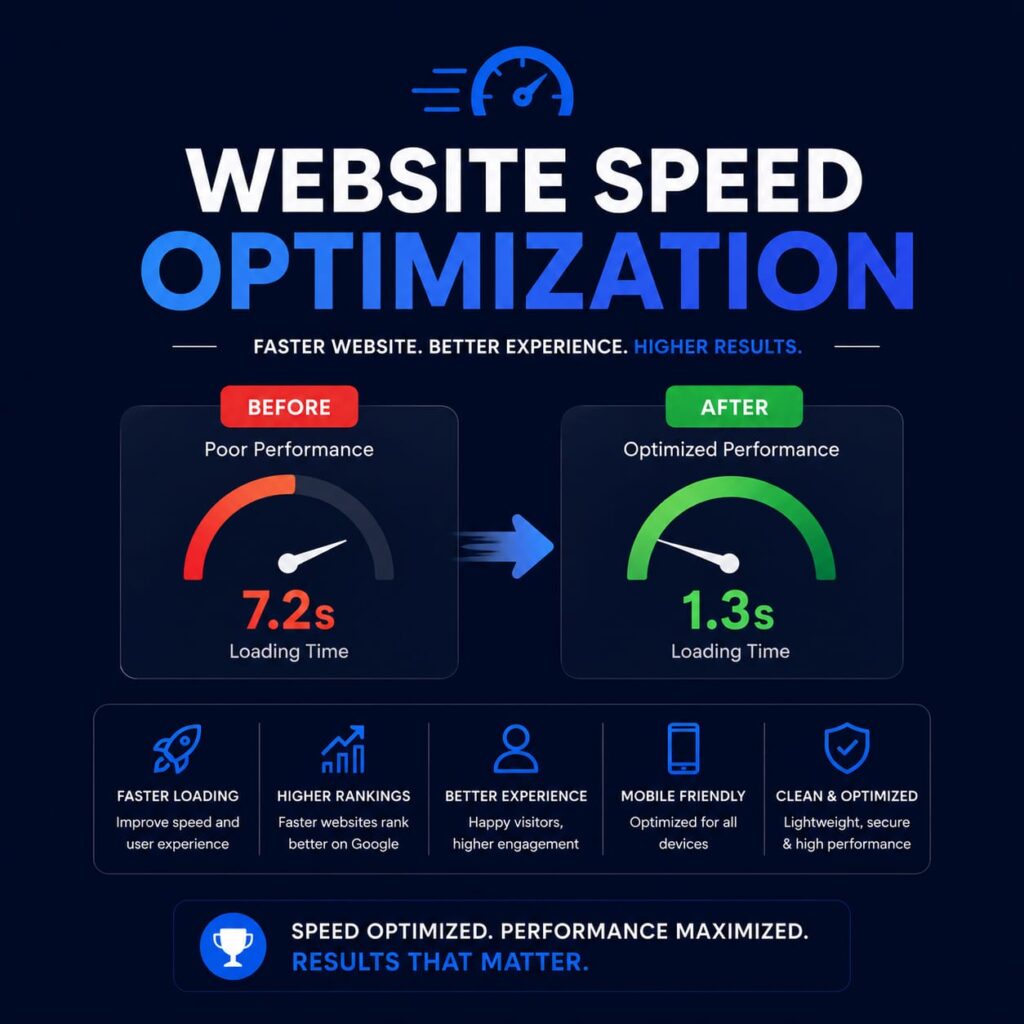
Website Speed Optimization
- Website speed optimization is the process of improving how fast a website loads and responds to users. A fast-loading website creates a better user experience and helps improve search engine rankings. Google considers page speed an important ranking factor because users prefer websites that load quickly and smoothly.
- Slow websites can increase bounce rates, reduce conversions, and negatively affect SEO performance. Visitors often leave a website if it takes more than a few seconds to load. Speed optimization helps keep users engaged and encourages them to explore more pages.
- Common ways to improve website speed include compressing images, enabling browser caching, minimizing CSS and JavaScript files, using a Content Delivery Network (CDN), and choosing reliable web hosting. Removing unnecessary plugins and optimizing code also help improve performance.
- Mobile speed optimization is equally important because many users browse websites from smartphones. A responsive and lightweight website performs better across all devices.
- Tools like Google PageSpeed Insights and GTmetrix can help identify speed-related issues and suggest improvements. Faster websites not only improve SEO rankings but also increase customer satisfaction, engagement, and sales. Regular performance testing and optimization are essential for maintaining a high-performing and user-friendly website in today’s competitive digital environment.
Mobile-Friendly Design
- Mobile-friendly design refers to creating websites that work smoothly on smartphones, tablets, and other mobile devices. Since most internet users now browse using mobile phones, having a responsive and mobile-optimized website is essential for SEO and user experience.
- A mobile-friendly website automatically adjusts its layout, images, and content according to different screen sizes. Users can easily read text, click buttons, and navigate pages without zooming or horizontal scrolling. Google also uses mobile-first indexing, meaning it primarily evaluates the mobile version of a website for ranking purposes.
- Important features of mobile-friendly design include responsive layouts, fast loading speed, readable fonts, touch-friendly buttons, optimized images, and simple navigation menus. Websites that are difficult to use on mobile devices often experience higher bounce rates and lower engagement.
- A good mobile experience improves customer satisfaction, increases conversions, and helps businesses reach a larger audience. It also supports better search engine visibility and ranking performance.
- Tools like Google Mobile-Friendly Test can help website owners check how well their site performs on mobile devices. Regular testing and updates ensure that the website remains responsive and user-friendly. In modern digital marketing, mobile-friendly design is no longer optional but a necessary part of successful website development and SEO strategy.

XML Sitemap
- An XML sitemap is a file that lists all the important pages of a website to help search engines crawl and index content more efficiently. It acts like a roadmap for search engine bots, showing them which pages are available and should be included in search results.
- XML sitemaps are especially useful for large websites, new websites, eCommerce stores, and sites with complex structures. They help search engines discover pages that may not be easily accessible through internal links. A sitemap can also include information such as the last updated date of a page and its importance within the website.
- Creating and submitting an XML sitemap improves website visibility and indexing speed. Most websites generate sitemaps automatically using SEO plugins or website management tools. Popular platforms like WordPress offer plugins such as Yoast SEO and Rank Math to create XML sitemaps easily.
- After creating the sitemap, website owners can submit it through Google Search Console. This helps Google understand the website structure and monitor indexing status.
- An updated XML sitemap ensures that search engines can quickly find new or modified content. Although having a sitemap does not guarantee rankings, it improves crawl efficiency and supports overall technical SEO performance. Regularly checking and updating the sitemap is important for maintaining healthy website indexing.

Robots.txt Guide
- Robots.txt is a text file used to instruct search engine crawlers about which pages or sections of a website they can or cannot access. It is placed in the root directory of a website and helps manage crawler activity efficiently.
- This file is important for technical SEO because it controls how search engines interact with website content. Website owners can use robots.txt to block unnecessary pages such as admin panels, duplicate content, private files, or testing pages from being crawled and indexed.
- A basic robots.txt file contains rules called “directives.” Common directives include “User-agent,” which specifies the search engine bot, and “Disallow,” which blocks access to certain pages or folders. Website owners can also use “Allow” to permit crawling of specific sections.
- Proper use of robots.txt helps save crawl budget and ensures search engines focus on important pages. However, incorrect settings can accidentally block essential pages from search engines, negatively affecting SEO performance.
- Tools like Google Search Console provide robots.txt testing features to identify errors and confirm crawler access. It is also common to include the XML sitemap link inside the robots.txt file to help search engines find important pages more easily.
- Regular monitoring and updates of the robots.txt file are essential for maintaining proper website indexing and technical SEO health.
Fix Crawl Errors
- Fixing crawl errors is an important part of technical SEO that helps search engines properly access and index website pages. Crawl errors occur when search engine bots face problems while trying to visit or read content on a website. These issues can negatively affect rankings and reduce website visibility in search results.
- Common crawl errors include broken links, 404 page errors, server issues, blocked pages, redirect problems, and DNS failures. If search engines cannot access important pages, those pages may not appear in search results.
- Google Search Console is one of the best tools for identifying crawl errors. It provides reports showing which pages have issues and what type of problem exists. Website owners should regularly monitor these reports and fix errors quickly.
- Solutions for crawl errors include correcting broken links, setting proper 301 redirects, improving server performance, updating internal links, and removing unnecessary redirect chains. Ensuring the website has a clean structure and updated XML sitemap also helps search engines crawl content more efficiently.
- Fixing crawl errors improves website health, user experience, and search engine accessibility. Visitors are less likely to encounter broken pages, leading to better engagement and lower bounce rates.
- Regular website audits and maintenance are necessary to prevent crawl issues and ensure search engines can properly index all valuable content for better SEO performance.
Core Web Vitals
- Core Web Vitals are a set of performance metrics introduced by Google to measure user experience on a website. These metrics focus on loading speed, interactivity, and visual stability. Core Web Vitals are important ranking factors and play a major role in technical SEO.
- There are three main Core Web Vitals metrics. Largest Contentful Paint (LCP) measures how quickly the main content of a page loads. First Input Delay (FID) measures how fast a website responds when users interact with it. Cumulative Layout Shift (CLS) measures visual stability and checks whether page elements unexpectedly move during loading.
- A website with good Core Web Vitals provides a smoother and more user-friendly experience. Poor performance can frustrate visitors and increase bounce rates. Google recommends optimizing these metrics to improve both SEO rankings and user satisfaction.
- Common optimization methods include improving server speed, compressing images, reducing unnecessary scripts, using browser caching, and ensuring stable page layouts. Mobile optimization is also essential because many users access websites through smartphones.
- Tools such as Google PageSpeed Insights, Lighthouse, and Search Console help website owners analyze Core Web Vitals performance and identify improvement areas.
- Maintaining strong Core Web Vitals helps websites achieve better search visibility, faster loading times, and higher engagement, making them an essential part of modern technical SEO strategy.
Technical SEO FAQs
1. What is Technical SEO?
Technical SEO is the process of optimizing a website’s backend structure to help search engines crawl, index, and rank pages properly. It includes speed optimization, mobile-friendliness, XML sitemaps, and fixing crawl errors.
2. Why is website speed important for SEO?
Website speed improves user experience and helps reduce bounce rates. Fast-loading websites are preferred by Google and often rank higher in search engine results.
3. What is an XML Sitemap?
An XML sitemap is a file that lists important website pages so search engines can discover and index them more efficiently.
4. What are Core Web Vitals?
Core Web Vitals are Google metrics that measure website performance, loading speed, interactivity, and visual stability to improve user experience and SEO rankings.
5. How can I fix crawl errors on my website?
You can fix crawl errors by repairing broken links, updating redirects, improving server performance, and regularly checking Google Search Console for issues.